
App Store Connect,
but actually fast.
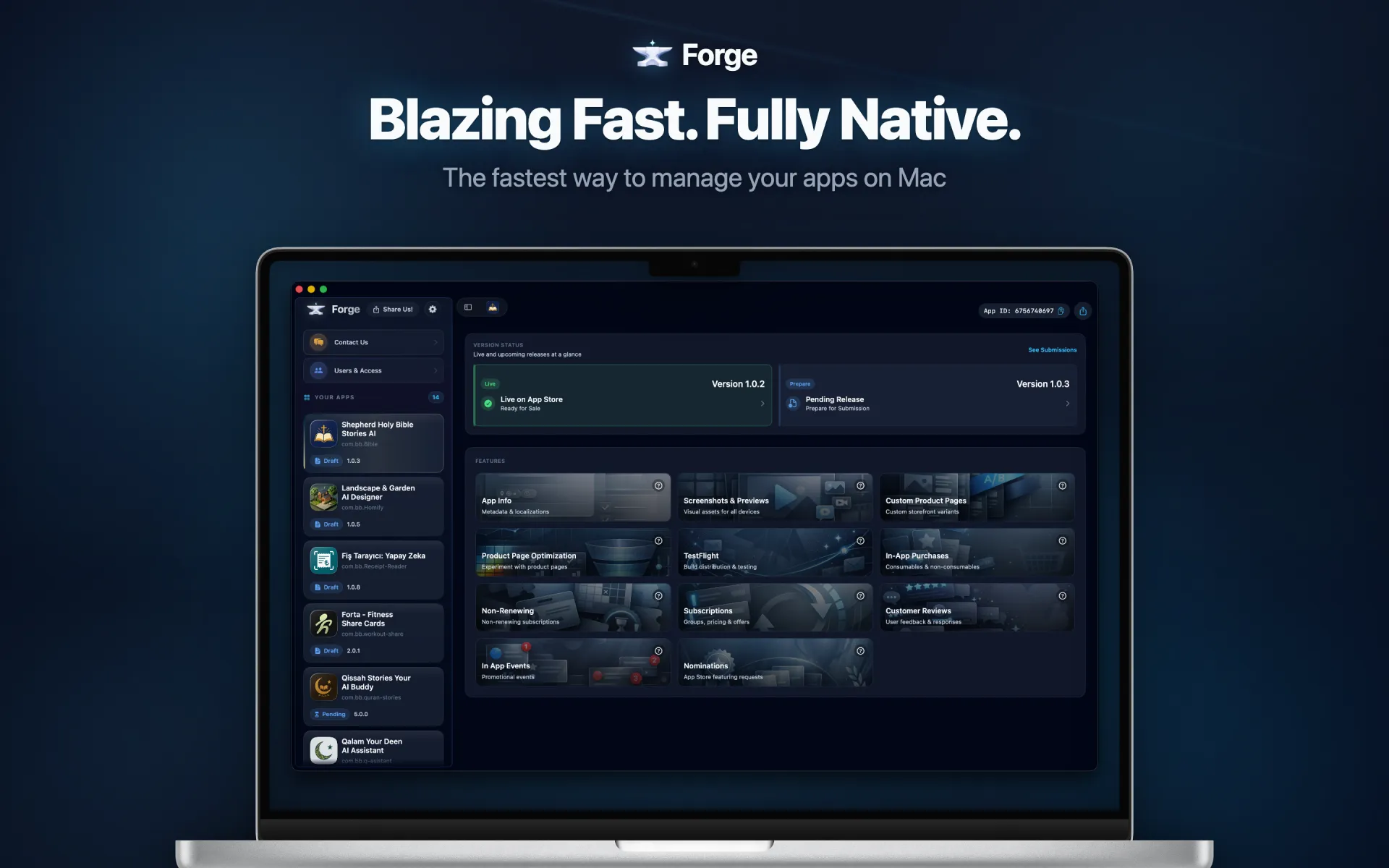
A native macOS app that replaces the App Store Connect web interface. Manage versions, TestFlight, IAPs, reviews, and more — instantly.
The Problem
App Store Connect wasn't built for speed.
App Store Connect was built for browsers, not for developers who ship daily. Every page load feels like waiting in line. Every simple update requires a maze of clicks across multiple tabs. Session timeouts interrupt your focus right when you need it most. You spend more time fighting the interface than actually managing your apps. There has to be a better way — and there is.
How It Works
Up and running in 30 seconds.
No account creation. No configuration wizards. Just connect and go.
Connect your API key
Import your App Store Connect API key. It takes 30 seconds and stays securely in your macOS Keychain — encrypted at rest and never transmitted to any server. Forge connects directly to the Apple API, so your credentials never leave your Mac.
See all your apps
Every app, every version, every status — visible at a glance in one unified dashboard. No more tab juggling or browser refreshes. Smart caching means your data loads instantly, even between sessions.
Manage everything
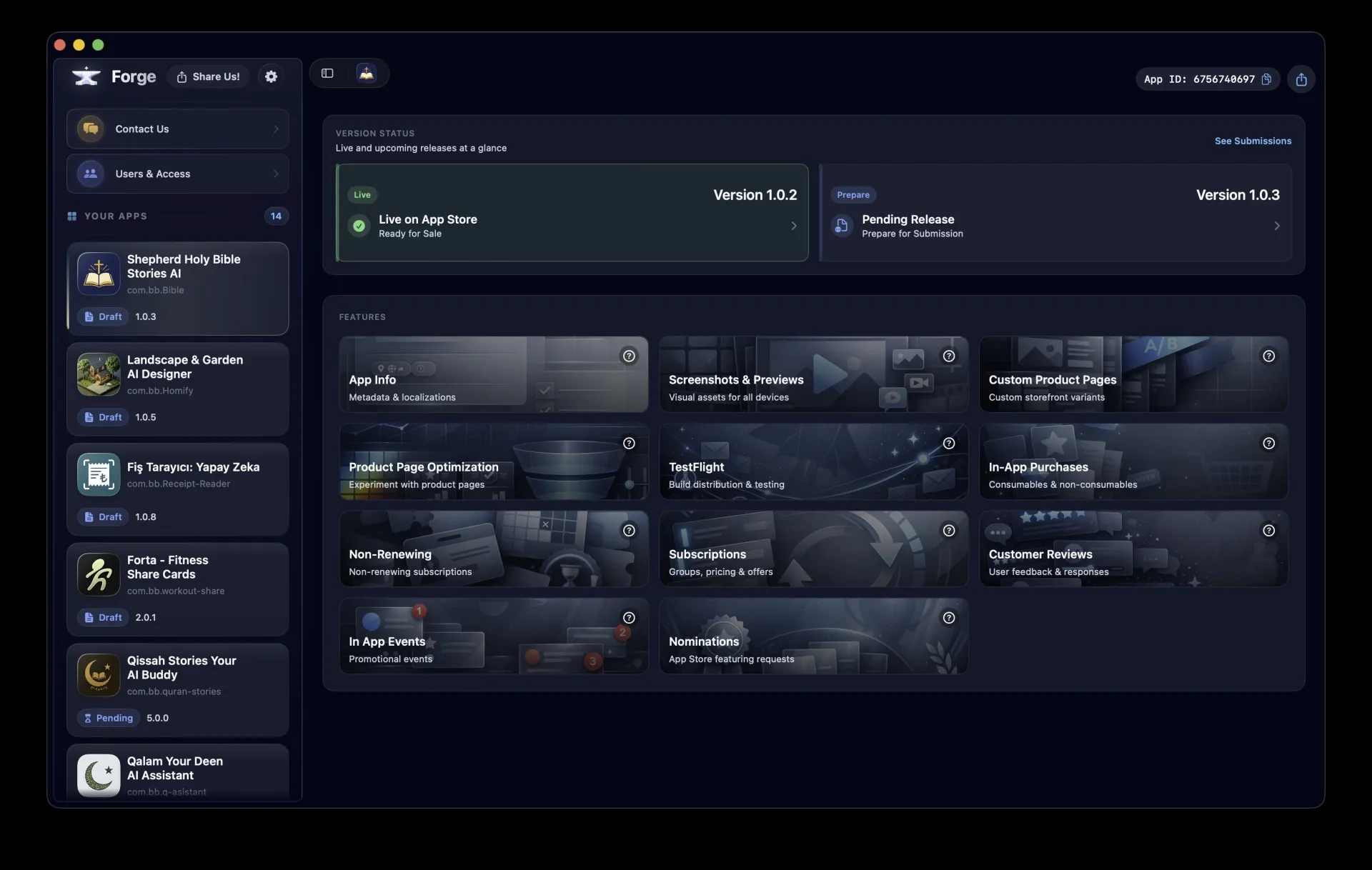
Versions, TestFlight, IAPs, subscriptions, screenshots, reviews, events — all instantly accessible with keyboard shortcuts. Perform tasks that take minutes on the web in just seconds with native macOS performance.
Features
Everything you need. Nothing you don't.
Powerful modules covering every App Store Connect workflow.
TestFlight
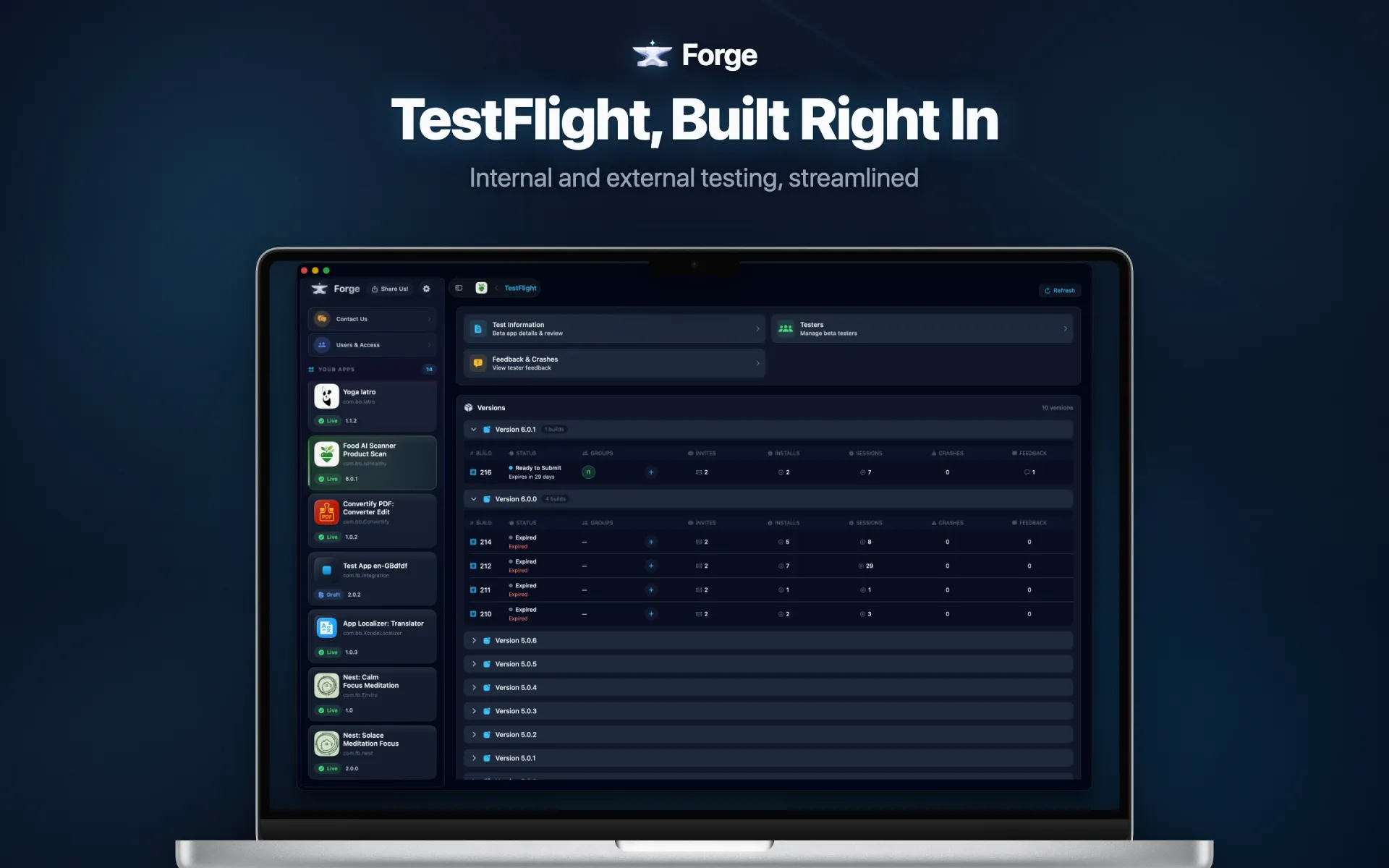
Full TestFlight management. Upload builds, manage testers and groups, track feedback, and submit for beta review — all without leaving the app.
- Manage builds, testers, and groups
- Submit for beta app review
- Track tester feedback inline
- App clips & localization support
See It In Action
Every App Store Connect workflow. One native app.
Watch how Forge streamlines your daily App Store Connect tasks.
Keys in macOS Keychain
Your API credentials are stored securely in the native macOS Keychain, encrypted at rest.
Direct Apple API
Forge connects directly to App Store Connect. No proxy servers, no intermediaries.
No data leaves your Mac
All your app data stays local. We don't collect, store, or transmit your ASC data.
Built with Swift & SwiftUI
Native macOS app. No Electron, no web views. Pure Apple frameworks for maximum performance.
What Developers Say
Developers are switching to Forge.
See why developers choose a native macOS app over the browser.
"Submitting builds and managing TestFlight used to eat half my morning. With Forge, the same workflow takes under five minutes. The keyboard shortcuts alone saved me hours every week."
Sarah Chen
Senior iOS Developer
"As a solo developer with six apps, I need reliable tools. Forge never logs me out mid-task, loads instantly, and lets me manage IAPs and subscriptions without the constant page refreshes. It just works."
Marcus Johnson
Indie App Developer
"Our team manages 12 apps across three accounts. Forge replaced dozens of browser tabs with one native window. The speed difference is not subtle — it completely changed our release day workflow."
Alex Rivera
Engineering Lead at a Mobile Agency
Ready to leave the
browser behind?
Download Forge and experience App Store Connect the way it should be. Fast, reliable, and actually enjoyable.